
Sharpen an entire image in the browser. Upload, adjust strength with the floating slider, preview live, then download. Nothing is uploaded to a server.
Features
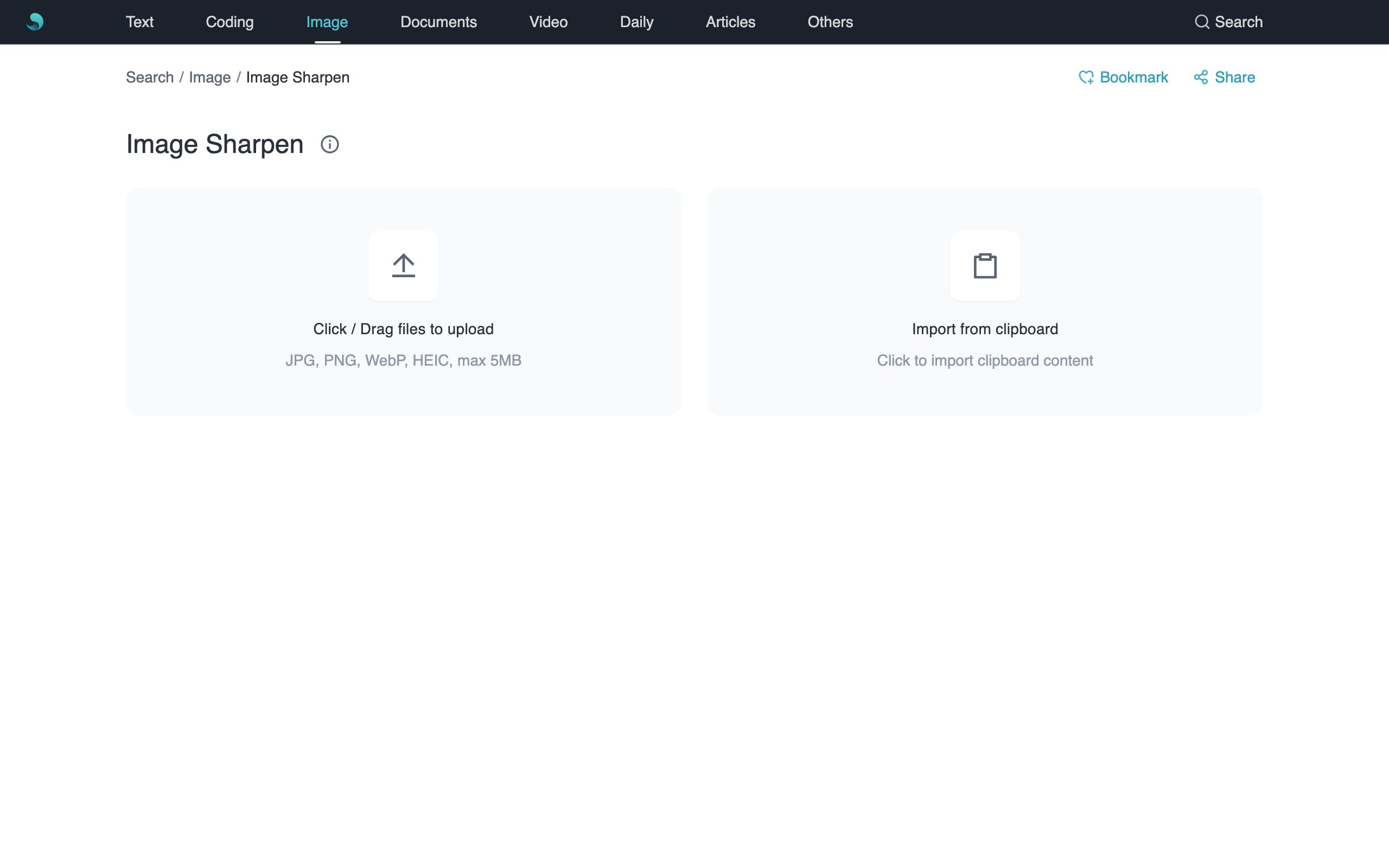
- Dual home entry: upload or clipboard import; Ctrl/Cmd+V supported.
- Full-screen desk after upload.
- Floating slider + top badge percentage (0–100, default 24%).
- Local Unsharp Mask — sharper edges without uploading.
Use cases
- Soft photos that need crisper edges.
- Product shots for e-commerce.
- Screenshots where text edges look soft.
How to use
- Upload or import from clipboard (or Ctrl/Cmd+V); jpg/jpeg/png/webp/heic/heif, max 5MB.
- Tap the center sharpen badge to show the floating slider; drag to adjust (it hides about 1s after you release); the badge percentage updates live.
- Download when satisfied; Back returns to the home cards.
Notes
- Processing stays in your browser.
- Formats: jpg, jpeg, png, webp, heic, heif.
- Max file size: 5MB.
- Very high strength may add halos or noise; try 20–40% first.