
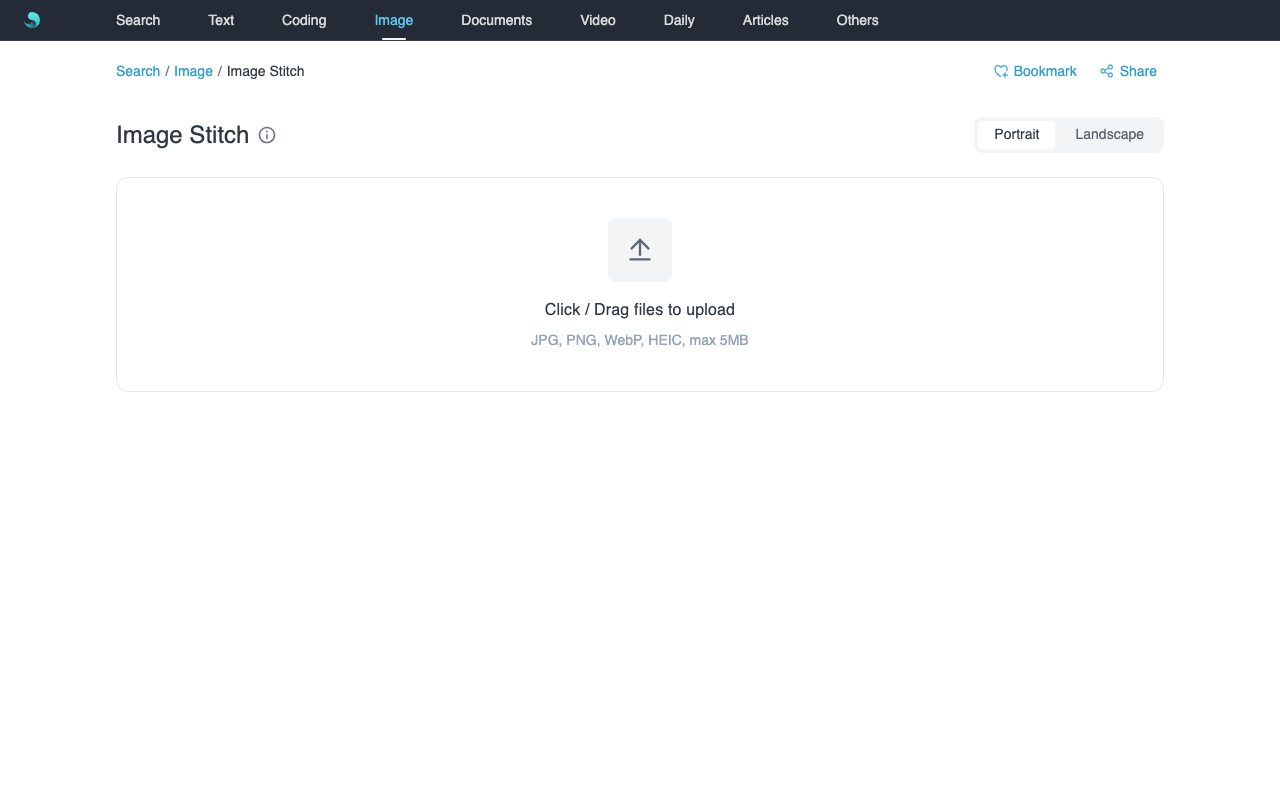
Pure front-end image stitching. Pick portrait or landscape in the title Segment, then upload. Batch upload, crop and pan, custom background, preview and download—all local, nothing uploaded.
Features
- Title Segment switches portrait / landscape; one upload box enters the matching desk.
- Horizontal: side-by-side long image; first crop locks global height.
- Vertical: stacked long image; first crop locks global width.
- Seam preview for alignment.
Use Cases
- Chat logs or long-page screenshots.
- Comic panels left-to-right or top-to-bottom.
- Compare multiple images in one strip.
How to Use
- Pick portrait or landscape (default portrait), then click / drag to upload. JPG/JPEG/PNG/WebP/HEIC, ≤5MB each, max 10.
- Crop the first image to set locked height (H) or width (V).
- Add more images (a prompt appears before the second); use dock Upload to append.
- Edit alignment via thumbnails and seam preview.
- Preview, then Download PNG; Reset returns to the empty state so you can change orientation.
Notes
- Legacy hashes
#imgstitchh/#imgstitchvredirect here. - PNG export; fully local.