
Crop the top and bottom of each PDF page, then stitch them into one vertical PNG—handy for long-form reading and social posts.
Features
- Runs locally with pdf.js—nothing is uploaded.
- Vertical crop only (
n/shandles); sync one crop to all pages when needed. - Toolbar Preview and Download share the same stitch logic; open the site-wide preview to inspect.
- Restore crops or Reset to return to upload.
- Max 100MB per PDF; encrypted PDFs are blocked at upload.
How to Use
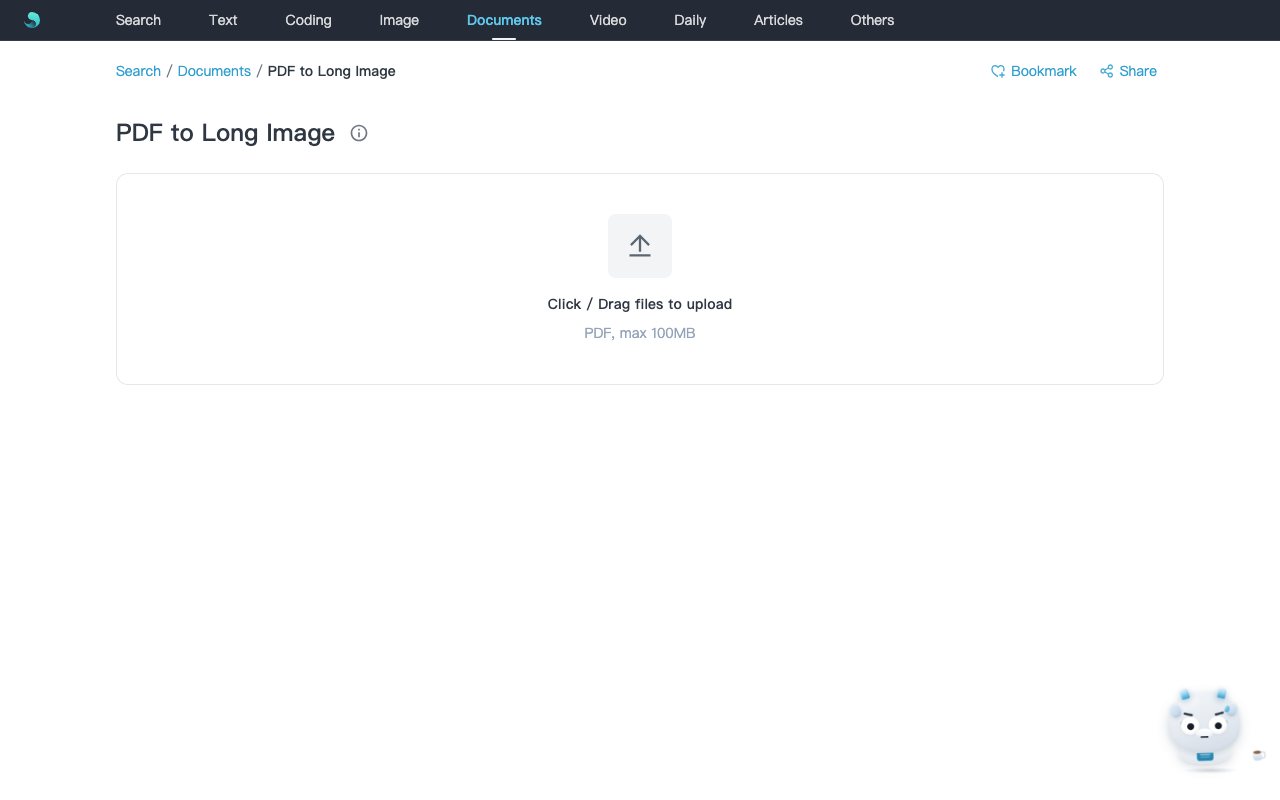
- Open PDF to Long Image.
- Upload a PDF (≤100MB) to enter the desk.
- Drag top/bottom crop handles; switch to “all pages” to sync.
- Click Preview or Download for
{basename}_long.png. - Use Restore crops or Reset as needed.
Notes
- Stitch results over 32000px on either axis are rejected—fewer pages or more crop helps.
- Output is PNG only; pages are stacked in order.
- Runs locally in the browser.
Related Keywords
PDF to long image, pdf long image, vertical stitch, pdf2longimg, Sanye Hub, PNG