
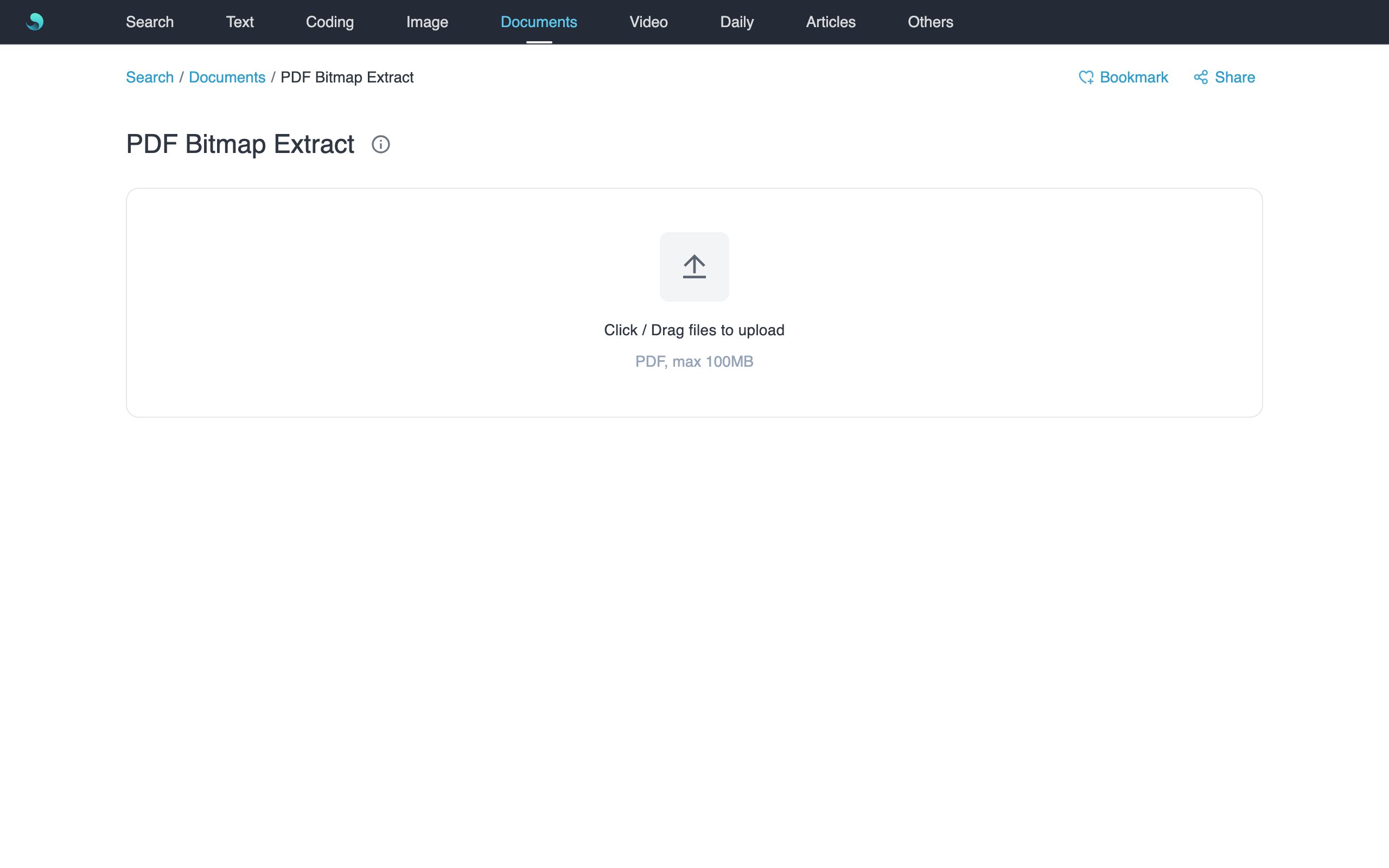
Extract embedded image resources from a PDF and highlight their positions on the full-page preview—without rasterizing the whole page.
Features
- Runs locally with pdf.js; nothing is uploaded.
- Three-pane workbench: page thumbs | full-page preview | page bitmaps.
- Hover a bitmap to frame it on the page with the theme highlight.
- Copy one image, or download the current page / all as ZIP.
How to use
- Open PDF Bitmap Extract.
- Upload a PDF (≤100MB) and wait for the workbench.
- Pick a page on the left; review bitmaps on the right; hover to see in-page position.
- Copy singles, or use Download current / Download all.
Notes
- Embedded rasters only—not vectors or full-page renders.
- Decrypt encrypted PDFs first.
- For Word / PPT, use the dedicated bitmap tools (convert to PDF first).
Related tools
- Word Bitmap Extract
- PPT Bitmap Extract
- PDF to Image for full-page exports.