
Crop the top and bottom of each Word page, then stitch into one vertical PNG—the same workflow as PDF to Long Image.
Features
- docx: paginated locally in the browser.
- doc: server pagination via Word-to-images, then the same desk (needs PHP + LibreOffice).
- Max 30MB per file; vertical crop only; Preview and Download share stitch logic.
- Restore crops and Reset match the PDF long-image tool.
How to Use
- Open Word to Long Image.
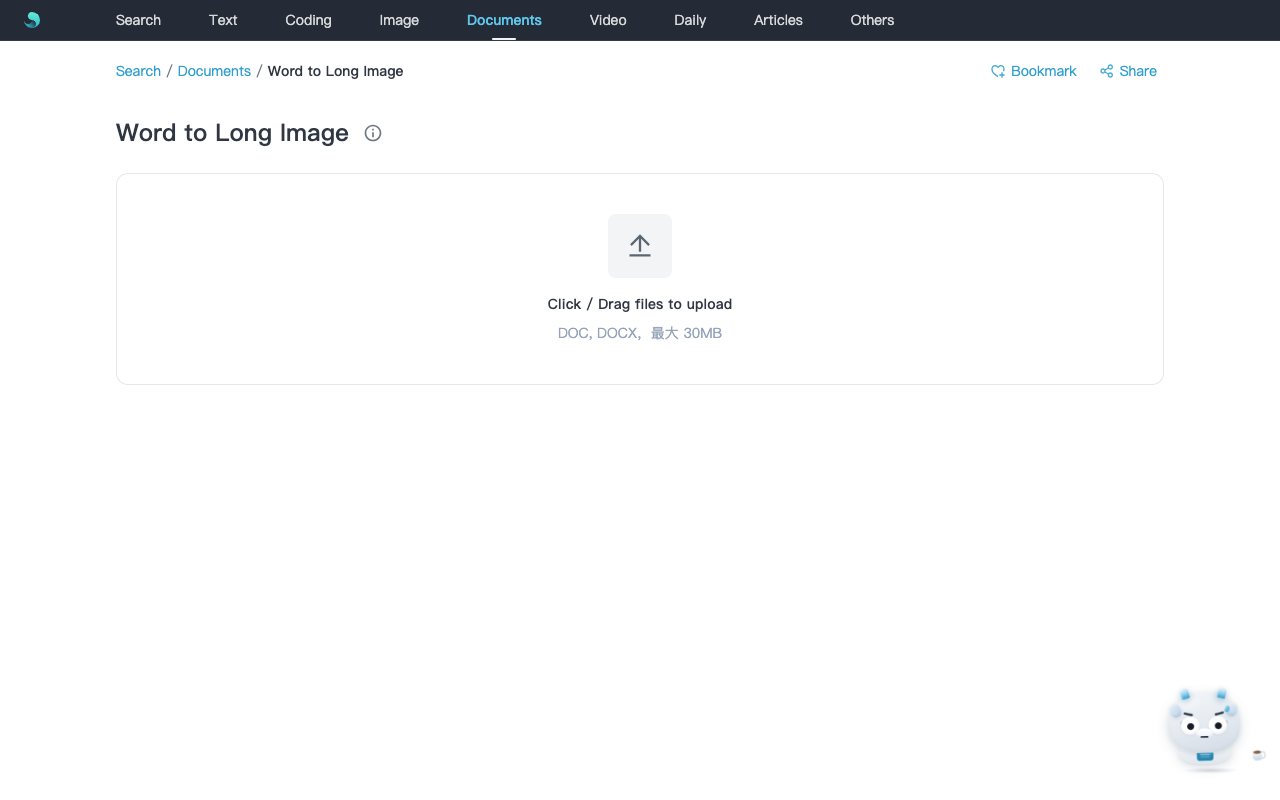
- Upload
.docxor.doc(≤30MB) and wait for the desk. - Drag top/bottom crop handles; sync to all pages if needed.
- Preview or Download
{basename}_long.png. .docuploads use a short-lived server job (~10 minutes).
Notes
- docm / dot / rtf are not supported—save as doc or docx first.
- Results over 32000px on either axis are rejected.
- docx stays local;
.docneeds network and server conversion.
Related Keywords
Word to long image, word long image, vertical stitch, word2longimg, docx, Sanye Hub, PNG