
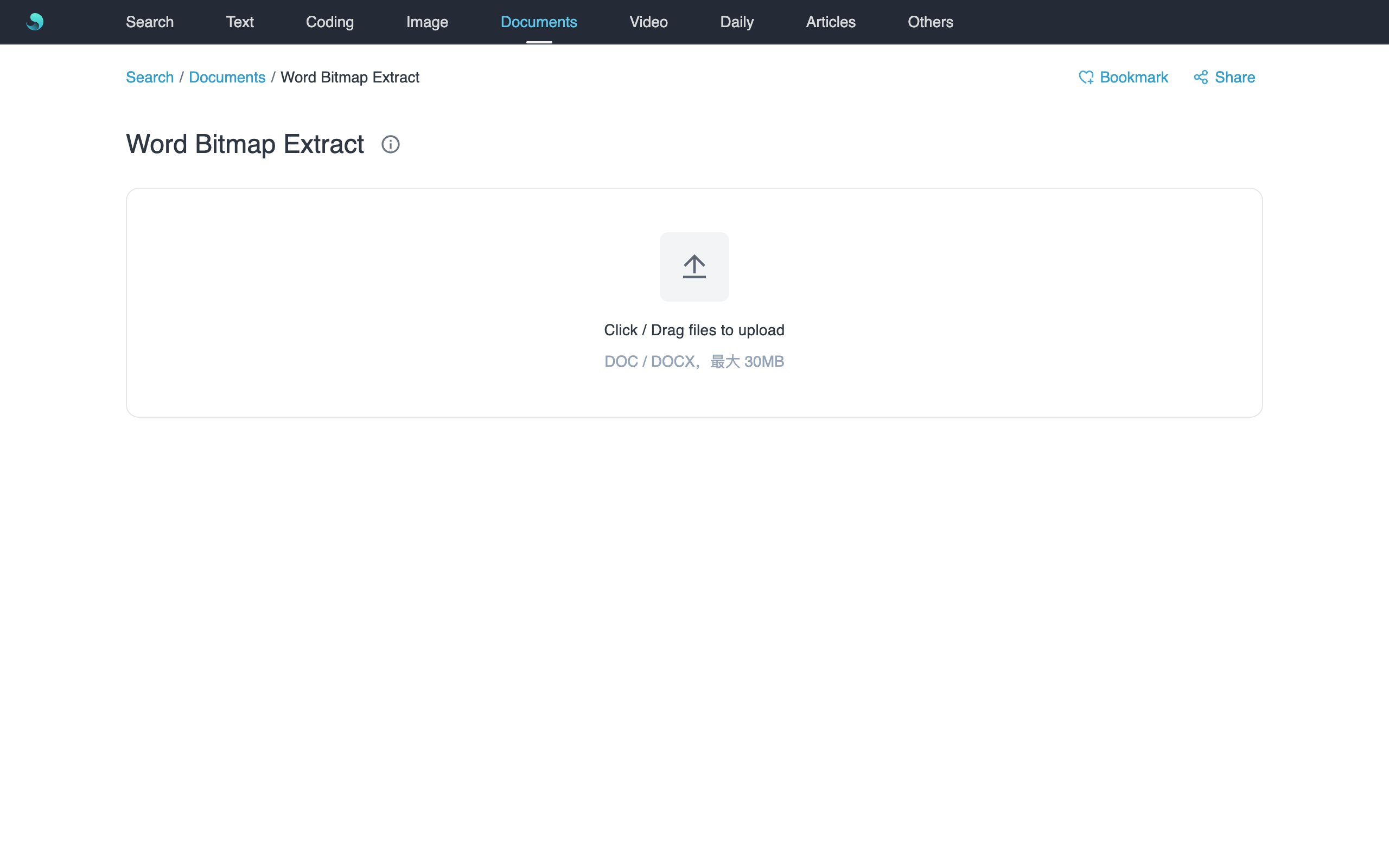
Convert a Word document to PDF, then extract embedded bitmaps with page preview and hover highlights—same workflow as PDF Bitmap Extract.
Features
.docxconverts in the browser;.docneeds LibreOffice on the server.- Left thumbs, center page preview, right-side bitmaps with theme framing.
- Copy one image; download current page or all as ZIP.
How to use
- Open Word Bitmap Extract.
- Upload Word (≤30MB) and wait for PDF conversion.
- Pick a page; review bitmaps; hover to see in-page position.
- Copy singles, or use Download current / Download all.
Notes
- Embedded rasters only.
- Layout follows the converted PDF.
- For full-page images, use Word to Image.